Split Screen
46 games · 1/2
Some games only work when both players can see each other inside the same frame: one shooting while the other runs, or two people holding opposite ends of a line. This section gathers exactly those, and the door rule is that both players must be visible on screen at every moment. We accept games with a split view, top-down games that draw two characters, turn-based shooting, and defence games played against one shared base. We reject games whose camera follows a single character, games with long waiting screens between waves, games that demand an account to save progress, and any game where the second person is only allowed to watch. Keys go like this: the left player keeps W A S D to move and Space to fire, the right player keeps the four arrow keys to move and Enter or the right-hand Ctrl to fire. If a game has a separate aim key, it belongs to whoever is on the right half of the screen, because the right hand of the keyboard sits closer to that cluster. Try one round before committing: if the second player cannot find their own character within three seconds, the game is in the wrong section.
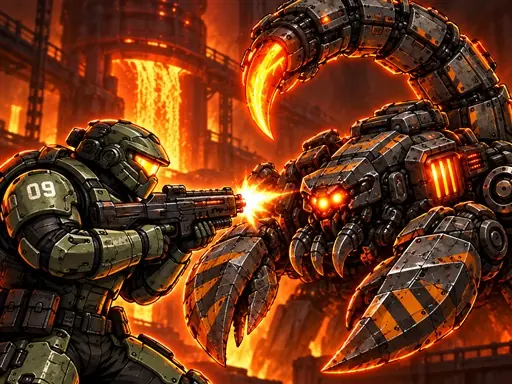 Hellforge: Demon ProtocolSplit Screen
 Fruity Shoot: Gift FrenzySplit Screen
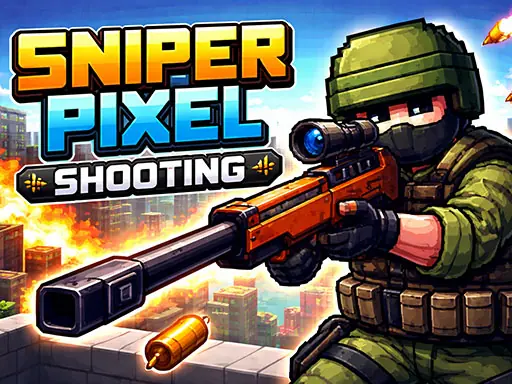 Sniper Pixel ShootingSplit Screen
 Astro DestroyerSplit Screen
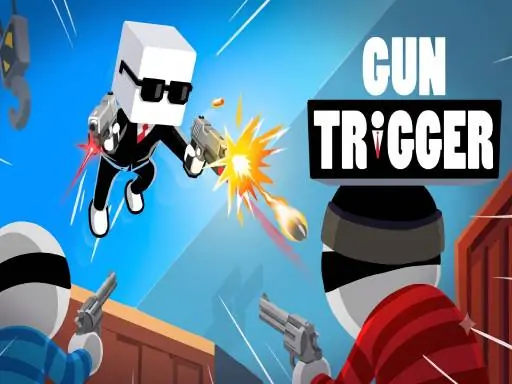 Gun TriggerSplit Screen
 Bull Time ShooterSplit Screen
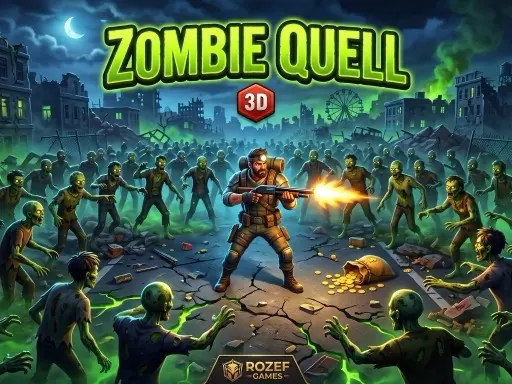 Zombie Quell 3DSplit Screen
 Mario 3D ShooterSplit Screen
 Shooter: Outbreak ProtocolSplit Screen
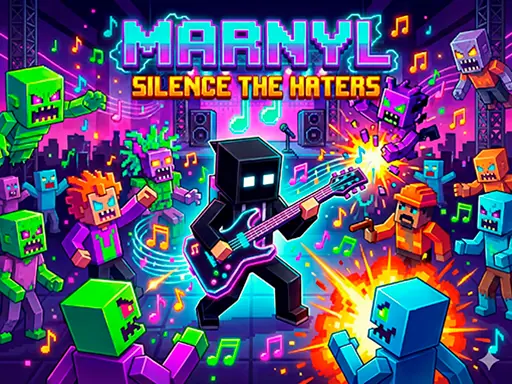 MARNYL Silence The HatersSplit Screen
 Grave BlastSplit Screen
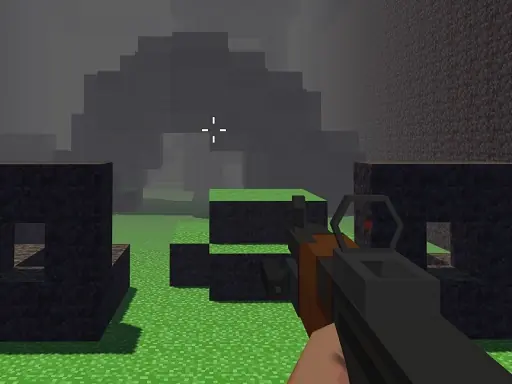 PGA4Split Screen
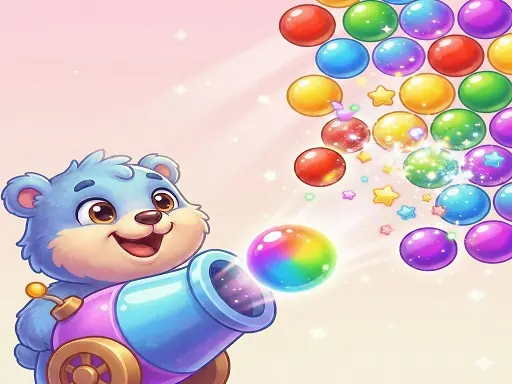 Bubble Shooter Pro 2026Split Screen
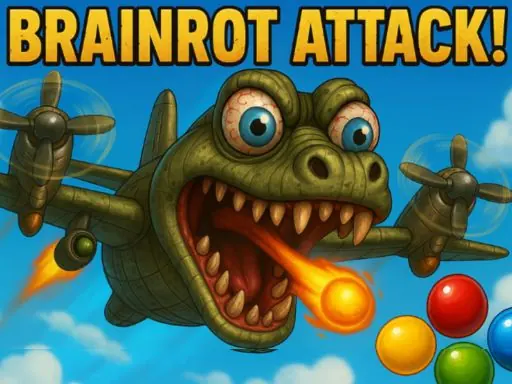 Brainrot Attack!Split Screen
 Ballz ShooterSplit Screen
 Pixel Gun Apocalypse 6 RemasteredSplit Screen
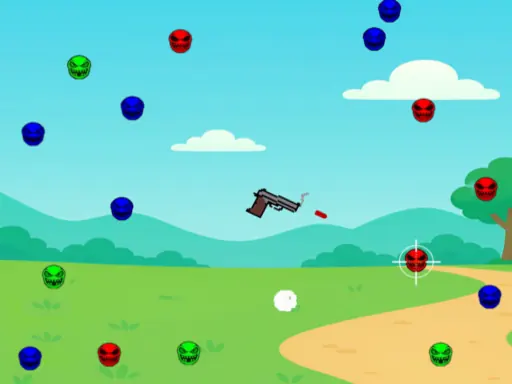 RGB ShooterSplit Screen
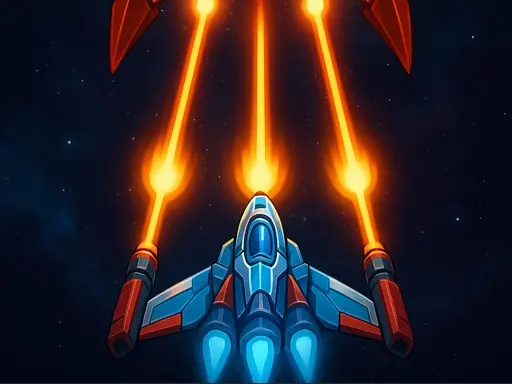 Space Shooter BossSplit Screen
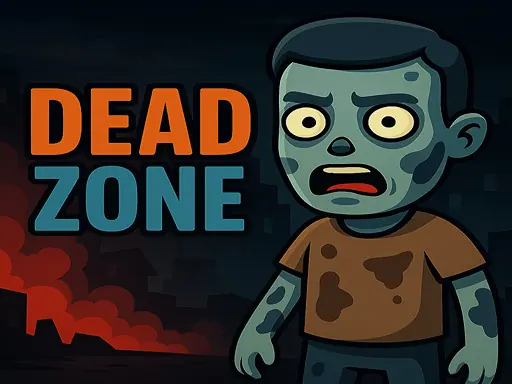 Dead Zone15165Split Screen
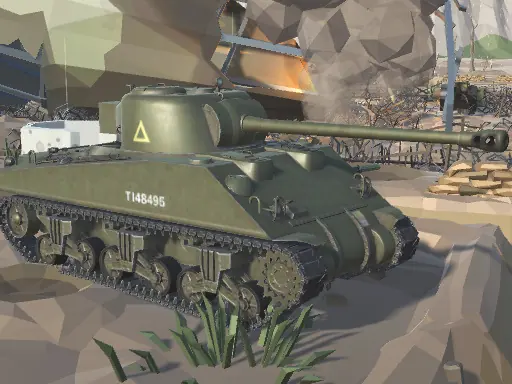 World of Military TanksSplit Screen
 Cosmic DefenderSplit Screen
 BrrBrr PatapimSplit Screen
 Shoot BallsSplit Screen
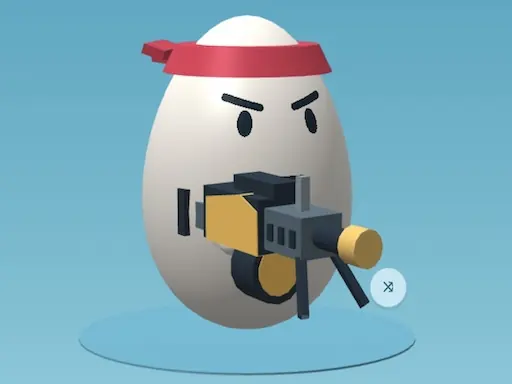 Yolk Ops Egg ArenaSplit Screen
How Split Screen plays in the browser
This section gathers exactly those, and the door rule is that both players must be visible on screen at every moment. We accept games with a split view, top-down games that draw two characters, turn-based shooting, and defence games played against one shared base. We reject games whose camera follows a single character, games with long waiting screens between waves, games that demand an account to save progress, and any game where the second person is only allowed to watch. Keys go like this: the left player keeps W A S D to move and Space to fire, the right player keeps the four arrow keys to move and Enter or the right-hand Ctrl to fire. If a game has a separate aim key, it belongs to whoever is on the right half of the screen, because the right hand of the keyboard sits closer to that cluster. Try one round before committing: if the second player cannot find their own character within three seconds, the game is in the wrong section.
All 46 games in this section run inside the tab: no install, no account, no download. Tap a title and the game opens on this same page.
- One tab, one game. Close the tab and the session is over.
- Finger controls or keyboard, depending on the title.
- Scores stay in this browser, so there is no account to maintain.
Three titles to open first
Picked from the 46 titles in this section.
- Hellforge: Demon ProtocolHellforge: Demon Protocol is a browser Split Screen game you can…
- Fruity Shoot: Gift FrenzyOpen Fruity Shoot: Gift Frenzy and you are already playing — no…
- Sniper Pixel ShootingSniper Pixel Shooting is one of the easier Split Screen games to…
An older phone is enough
If the screen feels cramped, rotate to landscape or hit the fullscreen button inside the game. Most titles rearrange their controls to the screen size.
Four steps to split a screen
Splitting a screen is not cutting the image in two; it is splitting information so both see what matters.
- Identify shared informationScore and time belong in the middle, not inside one player's half.
- Keep characters centredIf the game allows, frame both characters near the middle.
- Reduce effectsTurn off extra effects to ease the load of rendering two views.
- Play one silent roundOne round without talking shows whether the information is clear.
In Split Screen, one silent round finds missing information faster than ten minutes of explanation.
Questions players actually ask
Why is split-screen harder than playing alone?
Because the frame rate halves and the input smoothing in these titles is frame-dependent, so the aim responds slightly later. Compensate by leading a little more than you would solo. It is a real difference, not imagination.
How do we split the screen fairly?
Same viewport size, same weapon set, same spawn distance. Most split-screen titles here give player one the larger viewport by default. Swap the viewport setting or swap seats between rounds so neither player keeps the advantage.
Why can I not see the enemy my friend is shooting at?
Because split-screen renders each player's view independently, and the game does not share information between them. That is the design: communication is the mechanic. Call out what you see rather than expecting to see it.
Should we play co-op or versus in split-screen?
Co-op, if the title offers both and you are of different skill levels. Versus in split-screen exposes the frame-rate disadvantage immediately, and co-op hides it behind shared objectives. Match the mode to the pair.
Why do the graphics look worse in two-player mode?
Because the engine lowers resolution and effects to keep two viewports running. It is a performance decision, not a bug. Reducing effects manually usually improves the frame rate further without hurting readability.
How do we stop one player from camping?
Agree a movement rule before the match, or pick a map with a central objective. Camping in split-screen is a map problem more than a player problem, and open maps solve it without negotiation.
Why does the aim assist feel different for player two?
Because the assist is calibrated per viewport, and the second viewport is often rendered at a slightly different scale. Turn the assist off for both players. Consistency matters more than assistance in a two-player match.
What is the best way to communicate without a headset?
Short calls and fixed vocabulary: direction plus distance, nothing else. Two players in the same room already share context, so the only thing missing is position. Long sentences cost more than they convey.
Why does the screen tear in split-screen?
Because vertical sync is disabled to keep the frame rate up, and two viewports make the tearing more visible. Enabling vsync fixes the tearing and costs about five frames, which is usually the better trade in co-op.
How long should a split-screen session last?
Thirty to forty minutes with a break. Split-screen doubles the visual load on both players' eyes and attention. The second hour is measurably worse than the first, in score and in mood.
Player notes
The frame rate halves and the aim responds later. Lead a little more than you would solo and it feels normal.
Player note, split-screen co-op player
Split-screen does not share information. Everything you can see, you have to say out loud.
Player note, plays shooters with a partner
Same viewport size, same weapons. Player one gets the bigger screen by default and nobody notices for weeks.
Player note, local versus regular
Quoted and condensed from public player discussions; names shortened.
Common questions
- Do I need an account to play?
- No. All 46 games in this section play without registration: no email, no password, no verification step.
- How long does one session take?
- Most titles finish in three to ten minutes, which fits a break without leaving anything half-done.
- Is my score saved?
- Your best score stays in this browser as long as site data is not cleared. No account also means no sync across devices.
Further reading
- Splitting one keyboard between two
- The second player presses and nothing happens
- Three keys at once on a laptop