One Shared Keyboard
48 games · 1/2
This is the front door of the site: only games where a second person can pull up a chair, put both hands on the same keyboard and be in the match within ten seconds. No lobby, no invite code, no second computer. We accept direct head-to-head games, games that draw a second player slot on the same screen, and games that print each player's keys on the very first frame. We reject anything that only lets you log in and get matched with strangers, anything that wants a code scanned, and anything that needs two separate windows to work at all. Keys are split by one rule here: the left half of the keyboard belongs to the person on the left, the right half to the person on the right, and the middle is a border nobody crosses. The left player usually keeps W A S D, the right player keeps the four arrow keys, and Space and Enter are handed out one each rather than shared. Read the key line under each cover before clicking: a game that never names the second player's keys does not belong in this section.
 Music Night Battle: Rhythm GameOne Shared Keyboard
 Stickman Fighter TrainingOne Shared Keyboard
 Shell Strikers 1One Shared Keyboard
 Stickman Archer Bow FightOne Shared Keyboard
 Gorilla MultiplayerOne Shared Keyboard
 Iron LegionOne Shared Keyboard
 Online KitPvP : 50vs50One Shared Keyboard
 Stickman Trivia Fall IOOne Shared Keyboard
 Battle SWAT vs Mercenary RemasterOne Shared Keyboard
 Warrior ClashOne Shared Keyboard
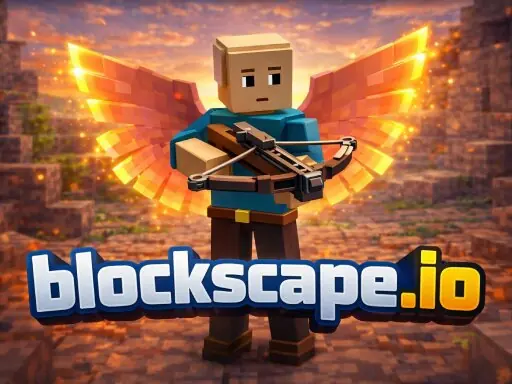 blockscape.ioOne Shared Keyboard
 Castle Wars: LegacyOne Shared Keyboard
 WHOT The Ultimate Nigerian Card GameOne Shared Keyboard
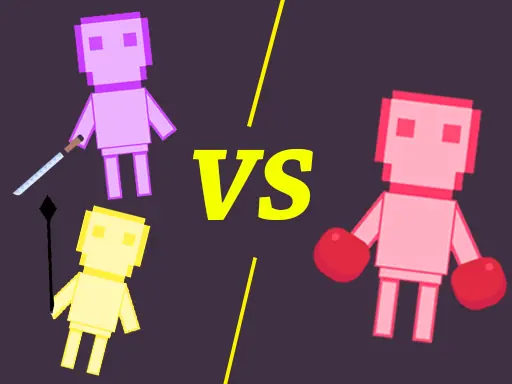 Human PlaygroundOne Shared Keyboard
 Santa Matching GameOne Shared Keyboard
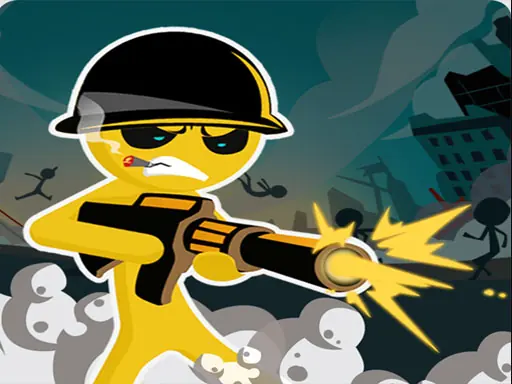 Stickman Army 2One Shared Keyboard
 Stickman Bow ClashOne Shared Keyboard
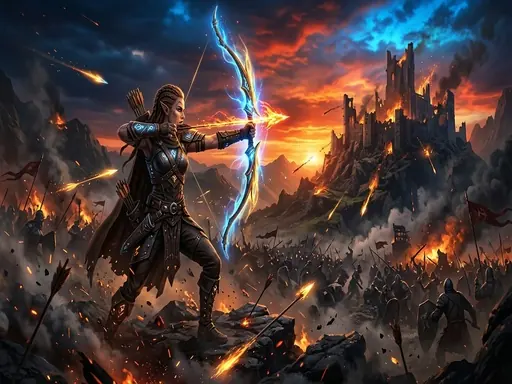 Bow or DieOne Shared Keyboard
 Stickman BlastOne Shared Keyboard
 Ligmar OnlineOne Shared Keyboard
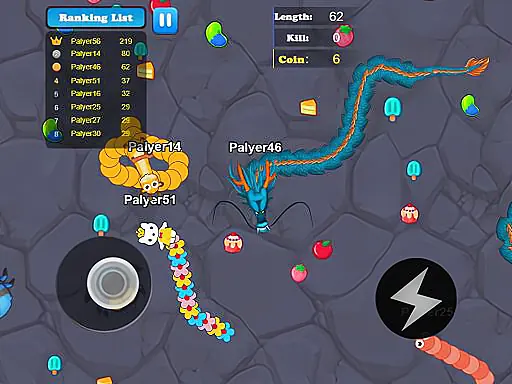 Greedy Snake Multiplayer DuelOne Shared Keyboard
 Stickman SlashOne Shared Keyboard
 Draw Weapon Fight PartyOne Shared Keyboard
 Italian Brainrot HangmanOne Shared Keyboard
How One Shared Keyboard plays in the browser
No lobby, no invite code, no second computer. We accept direct head-to-head games, games that draw a second player slot on the same screen, and games that print each player's keys on the very first frame. We reject anything that only lets you log in and get matched with strangers, anything that wants a code scanned, and anything that needs two separate windows to work at all. Keys are split by one rule here: the left half of the keyboard belongs to the person on the left, the right half to the person on the right, and the middle is a border nobody crosses. The left player usually keeps W A S D, the right player keeps the four arrow keys, and Space and Enter are handed out one each rather than shared. Read the key line under each cover before clicking: a game that never names the second player's keys does not belong in this section.
All 48 games in this section run inside the tab: no install, no account, no download. Tap a title and the game opens on this same page.
- One tab, one game. Close the tab and the session is over.
- Finger controls or keyboard, depending on the title.
- Scores stay in this browser, so there is no account to maintain.
Three titles to open first
Picked from the 48 titles in this section.
- Music Night Battle: Rhythm GameMusic Night Battle: Rhythm Game is a browser One Shared Keyboard…
- Stickman Fighter TrainingOpen Stickman Fighter Training and you are already playing — no…
- Shell Strikers 1Shell Strikers 1 is one of the easier One Shared Keyboard games…
An older phone is enough
No download means no storage taken. Open the link, play, close it: the phone goes back to how it was, and the battery is not drained by a background process.
Five concepts for two players on one keyboard
Two players on one keyboard need five small concepts, or it becomes a fight over keys.
- Key zone
- Each player's half of the keyboard; the split must be clear before starting.
- Key blocking
- A key that does not register when two people press nearby; cheap keyboards take three or four keys.
- Shared tempo
- The pace both players hold; the faster one slows down, not the slower one speeding up.
- Role
- Each player's job in a round; swap after each round so both learn both sides.
- Referee
- A third person counting turns or score; without one, arguments take half the time.
In One Shared Keyboard, pairs with a clear split play more than twice as long before arguing.
Questions players actually ask
Why do both characters jump when only one of us pressed?
Because the two control sets overlap on this title, and both characters read from the same input buffer. Open the control screen before the first round and check the key map rather than assuming. Overlapping layouts are common in browser games built for one player.
Why does my input disappear when my friend presses at the same time?
Because keyboards resolve simultaneous presses in a fixed order and only one can win. Stagger the inputs by a fraction of a second. The player who presses second usually wins a contested action, which is worth knowing before a match rather than after.
Which keys should we avoid using together?
Adjacent keys, especially in the same row. Key rollover is limited per row on most keyboards, and adjacent keys are the most likely to drop. Choose control sets on opposite sides of the keyboard, and prefer letters over arrows if the game allows remapping.
Is one keyboard actually fair for two players?
It is fair if both players use the same kind of keys. Mixing arrows with letters gives one player a layout closer to the keyboard's controller matrix, which responds faster in contested inputs. Same key type, same speed.
Why do we keep pressing each other's keys?
Because the layouts are mirrored and your hands drift toward the centre under pressure. Tape a line down the middle of the keyboard or agree that the left player never crosses the F key. Physical boundaries work better than verbal ones.
How many players can one keyboard support?
Two reliably, three on a good keyboard, four almost never. Rollover limits are the constraint, not the game. If a title advertises four-player local play on one keyboard, expect dropped inputs and pick two-player modes instead.
Why does the game stutter when both of us move?
Because the physics and both sets of effects run on one thread, and the load doubles. Turn off screen shake and reduce particle effects in the settings. The stutter is a rendering limit, not network lag, and it can be reduced.
Should we use a controller instead?
If the game supports two controllers, yes. Controllers remove the rollover problem entirely and give both players identical polling. If it does not, one keyboard with non-adjacent keys is the next best option.
Why does one player's character feel slower?
Because the camera follows player one, so player two spends more time near the screen edge where the frame rate is less stable. Swap seats to confirm it. The difference is perceptual as much as real, and swapping fixes both.
How long should a shared-keyboard session be?
Twenty to thirty minutes in short rounds. Shared-keyboard play is physically cramped and the discomfort arrives before the boredom does. Short rounds with breaks beat one long session every time.
Player notes
Half our dropped inputs were rollover, not lag. Non-adjacent keys and the argument went away.
Player note, shared-keyboard regular
Tape down the middle of the keyboard. Physical boundaries work when verbal ones do not.
Player note, plays local co-op with a sibling
Controllers, if the game takes them. It is the only real fix for a shared keyboard.
Player note, two-player browser game fan
Quoted and condensed from public player discussions; names shortened.
Common questions
- Do I need an account to play?
- No. All 48 games in this section play without registration: no email, no password, no verification step.
- How long does one session take?
- Most titles finish in three to ten minutes, which fits a break without leaving anything half-done.
- Is my score saved?
- Your best score stays in this browser as long as site data is not cleared. No account also means no sync across devices.
Further reading
- Splitting one keyboard between two
- The second player presses and nothing happens
- Three keys at once on a laptop